
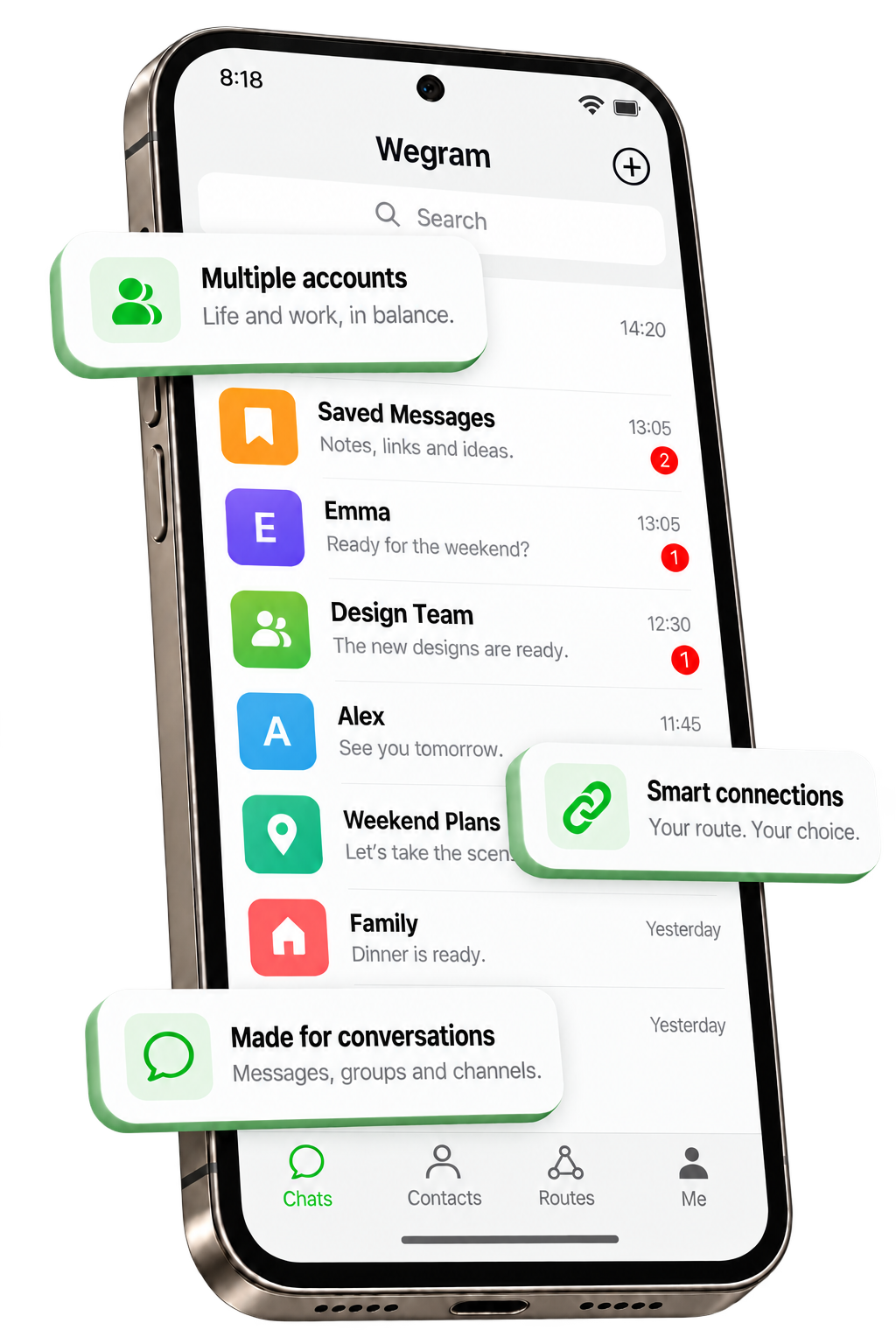

Easy to get started
Familiar chat controls help you feel at home from the first tap.
Family moments, teamwork and new discoveries in your communities. Keep the way you love to communicate, with room for every connection.
Explore everyday featuresFamiliar chat controls help you feel at home from the first tap.
Move naturally between messages, groups and channels.
Choose a route for your network, with alternatives when a connection fails.
A clean visual hierarchy keeps your attention on the conversation.
From one-to-one moments to shared ideas. Find the right way to connect.

A quick hello or a little update keeps important people close.

Bring friends and teams together to share ideas and make plans.

Follow the content you care about and keep up with the latest.

When a message is not enough, continue the conversation with your voice.

Start with hello and connect face-to-face, wherever you are.

Make photos, videos and documents part of the conversation.
WeGram puts connection choices inside the app. Choose a route that suits your network, or switch to another route in the same group if you have trouble connecting.
Spend less time on settings and more time in conversation.
Learn about connectionsChoose for your location and network
Keep your options across different networks
Try another route in the same group if a connection fails
Connection performance depends on your location, carrier and route availability.
One familiar place for the different parts of your day.
Share the little things, however far apart you are.
Meet people who share your interests, ideas and inspiration.
Share files and updates, with everything in the conversation.
Keep up with your favorite channels at your own pace.
A quick guide to versions, installation and connections.
WeGram is an independent third-party Telegram client for Android. You can sign in with your Telegram account. WeGram is not an official Telegram app and is not affiliated with WeChat or Tencent.
The Android APK supports ARM64 devices running Android 5.0 or later, including compatible phones and tablets. An iOS version is not available on this page.
WeGram includes proxy routes. When the configuration service and a route are reachable, a separate VPN may not be needed. Availability depends on your location, carrier and route status. If the app keeps connecting, try another route or network.
Open the downloaded APK and follow Android's prompts to allow this installation source and finish installing. If WeGram is already installed, try updating it directly first instead of uninstalling it.
View all installation steps